Code-Type-Writer
A powerful and interactive typing simulator for code, designed to mimic the experience of typing out code in a typewriter style. It supports various programming languages, customizable paste modes, and themes to enhance the user experience.
Why Code Type-Writer is Perfect for YouTubers? 🎥
1. Boost Your Video Engagement
- Create visually appealing code demonstrations that capture your audience’s attention.
- Add dynamic, real-time code typing effects to make your tutorials stand out.
2. Complete Control Over Typing Modes
- Switch between Character-by-Character, Word-by-Word, or Line-by-Line typing styles.
- Customize the typing speed to match your teaching pace.
3. Personalize Your Code Presentation
- Select from 50+ programming languages and match your tutorial topic.
- Change themes to fit your video aesthetic and make syntax stand out.
4. Effortless Setup for Content Creation
- Just paste your code into the editor, and the tool handles the rest.
- Save time and focus on delivering high-quality tutorials.creator
How This Tool Can Help You?
Imagine you’re teaching a JavaScript function on YouTube. Instead of directly pasting the code, you can use Code Type-Writer to type the code dynamically, step by step. This keeps your viewers engaged, making the learning process interactive and fun.
Example:
- Use dark mode themes for coding at night.
- Use character-by-character mode to explain each line of code slowly.
- Highlight HTML, CSS, or Python in vibrant colors to make your tutorials attractive.
Features
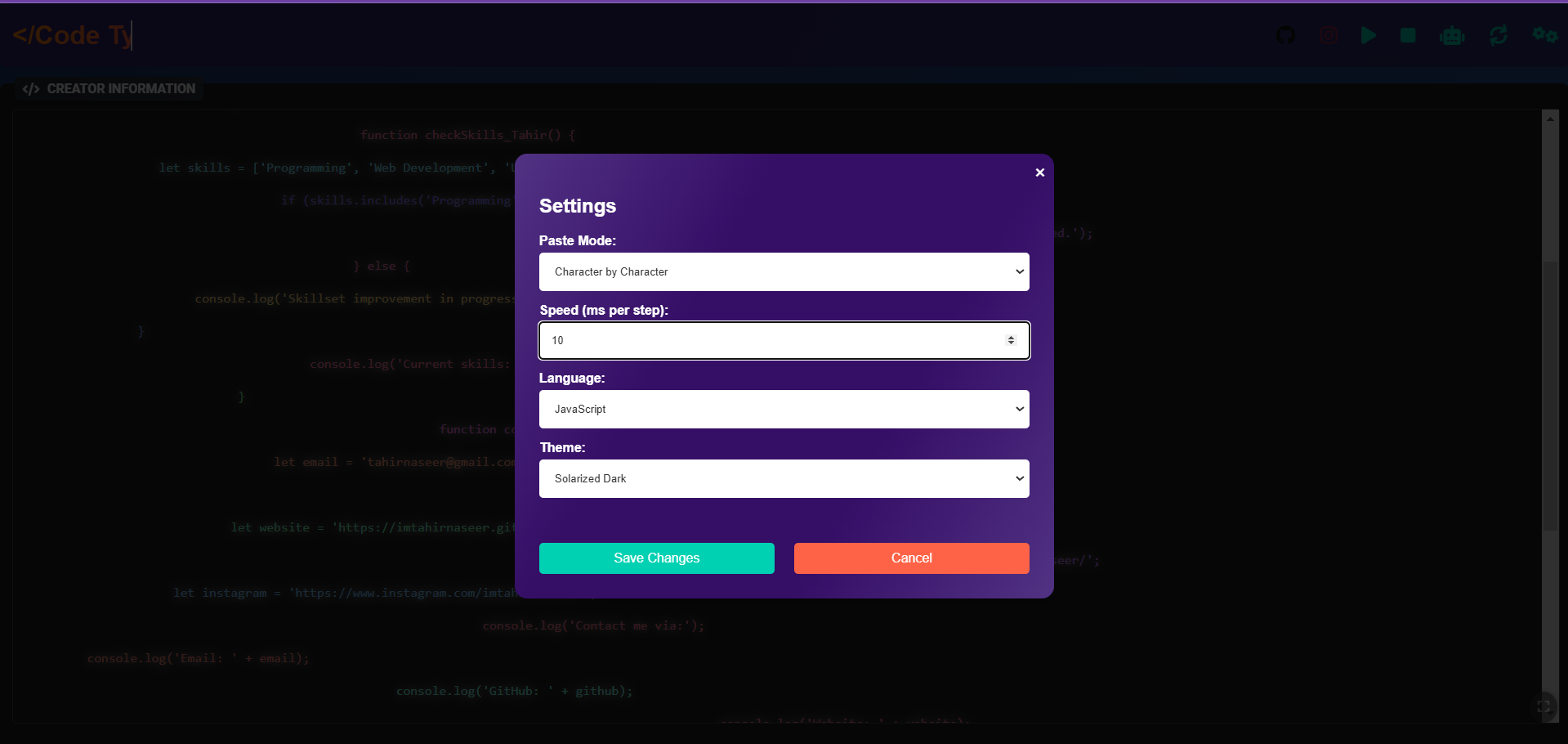
- Customizable Typing Modes: Choose between character-by-character, word-by-word, or line-by-line typing modes.
- Adjustable Speed: Control how fast the code appears on the screen, from slow to fast (in milliseconds).
- Language Support: Supports multiple programming languages like HTML, CSS, JavaScript, Python, and more.
- Theme Customization: Pick from a wide range of themes to match your video’s visual style.
- Interactive UI: Easy-to-use interface with real-time updates.
Demo
You can see a live demo of the Code Type-Writer Live Demo. Below is a screenshot of the project in action.

Installation
- Clone this repository: ```bash git clone https://github.com/imtahirnaseer/Code-Type-Writer.git